
Ethne App
Ethne Mobile Bible Application
How to share content with others without Wi-Fi or mobile data.

Before you start
The person sharing must have the app installed on their phone and download the content they want to share before sharing it with others.

-
Choose a language
Choose a language to display and download. The supplied guide uses the Berean Bible translation.
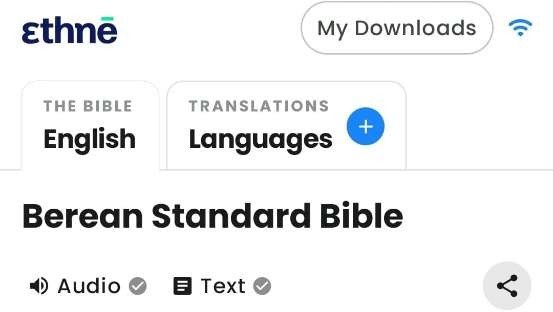
Ethne language selection screen -
Download Bible content
Download the Old Testament, New Testament or individual books to your phone before sharing.
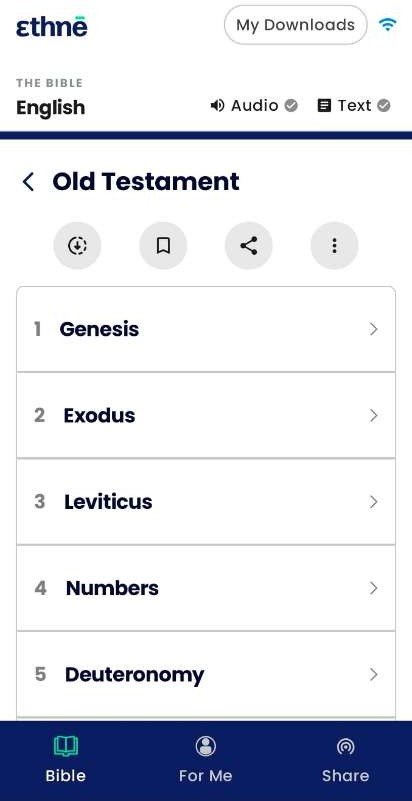
Bible download options for the Old and New Testament -
Open Share
Tap Share to share content with others. To give the app to someone who does not have it yet, tap Share the app.
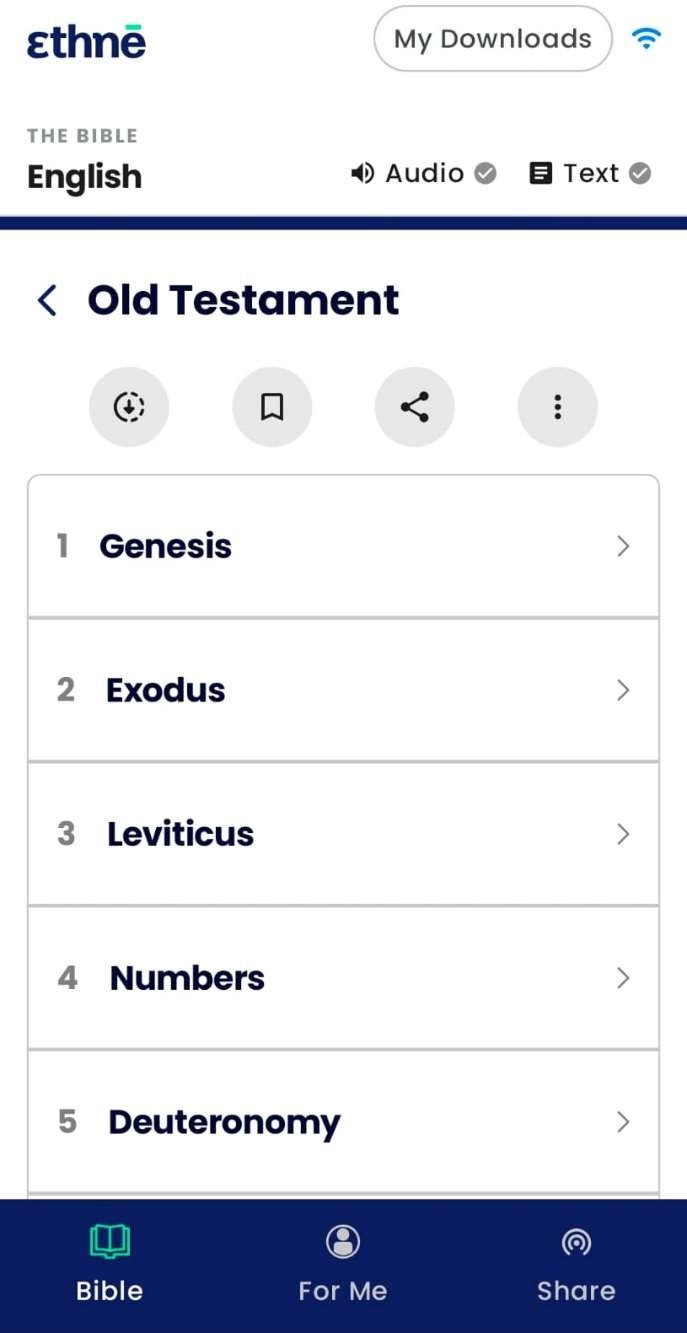
Share tab in the Ethne navigation 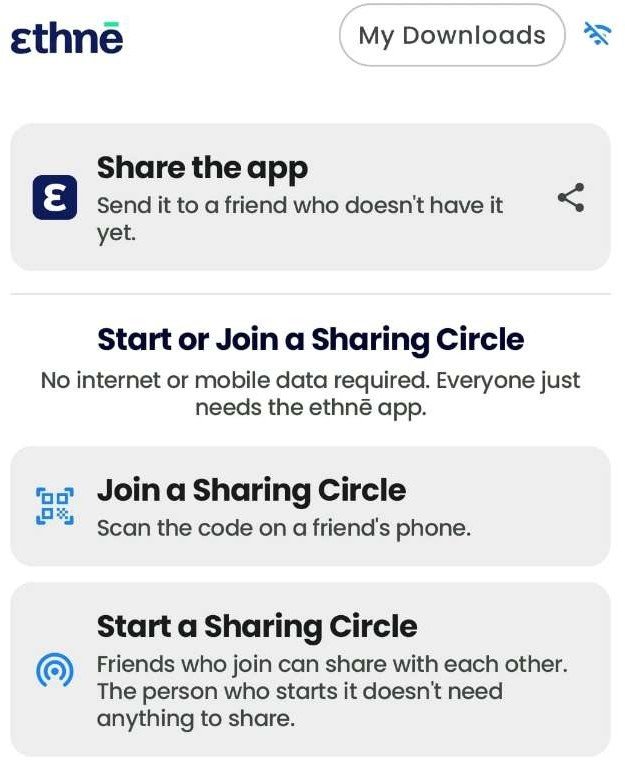
Share the app option -
Share the app using APK
Choose the APK option to share the app. Once the app is installed on the recipient’s device, they must open it and go to Share.
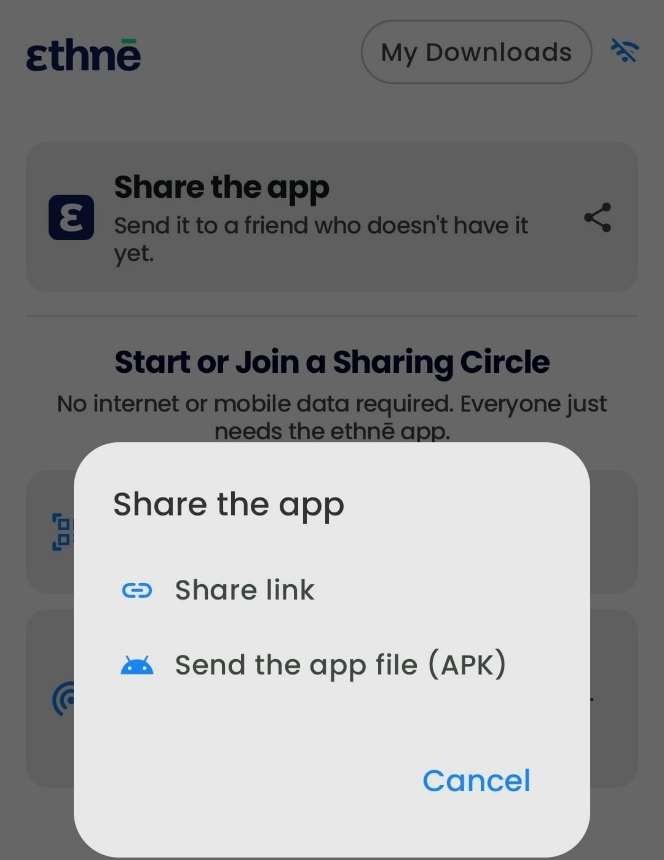
APK option for sharing the Ethne app -
Start or join a Sharing Circle
Host: tap Start a Sharing Circle if you are going to share. Recipients: tap Join a Sharing Circle and scan the code on the host’s phone.
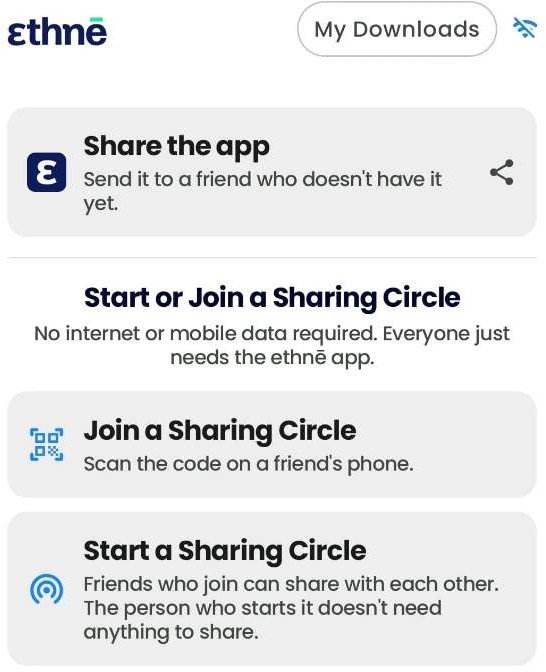
Options to start or join a Sharing Circle 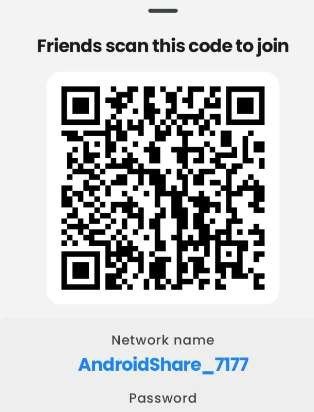
Example code displayed by the host for recipients to scan -
Accept the request to join
Accept the Join request on the recipient’s phone to connect to the Sharing Circle.
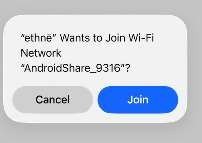
Example request to join the sharing Wi-Fi network -
Share downloaded content
The host starts sharing content from the Downloaded menu.
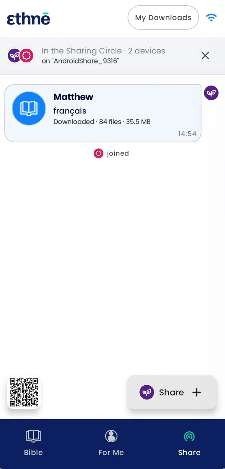
Downloaded Bible content shared in a Sharing Circle